Tone steps

Look for distinct neighboring shades. Some very light or dark tones may be harder to separate.
 Printer Test PageFree test pages for your printer.
 TEST PAGE
Check whether text is readable, fine lines are unbroken, and neighboring gray tones are distinct. A quick, easy way to compare your printer’s output.
Preparing your test page…
Use this guide to check the key areas on the test page. Each element helps you inspect a different aspect of print quality.
Look for distinct neighboring shades. Some very light or dark tones may be harder to separate.

Check the labels and block edges for clarity, gaps, or smudging.
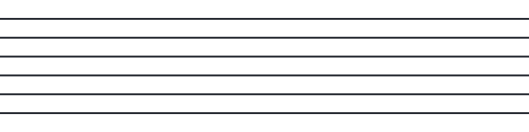
Follow each line for breaks and uneven edges. Use Actual size to preserve the labeled widths.
Look for readable text and clearly separated dark and light areas.
Compare these illustrative examples with your printout. Similar results can have different causes. It can reveal visible output issues, but this sheet cannot diagnose a component or replace your model’s maintenance procedures.
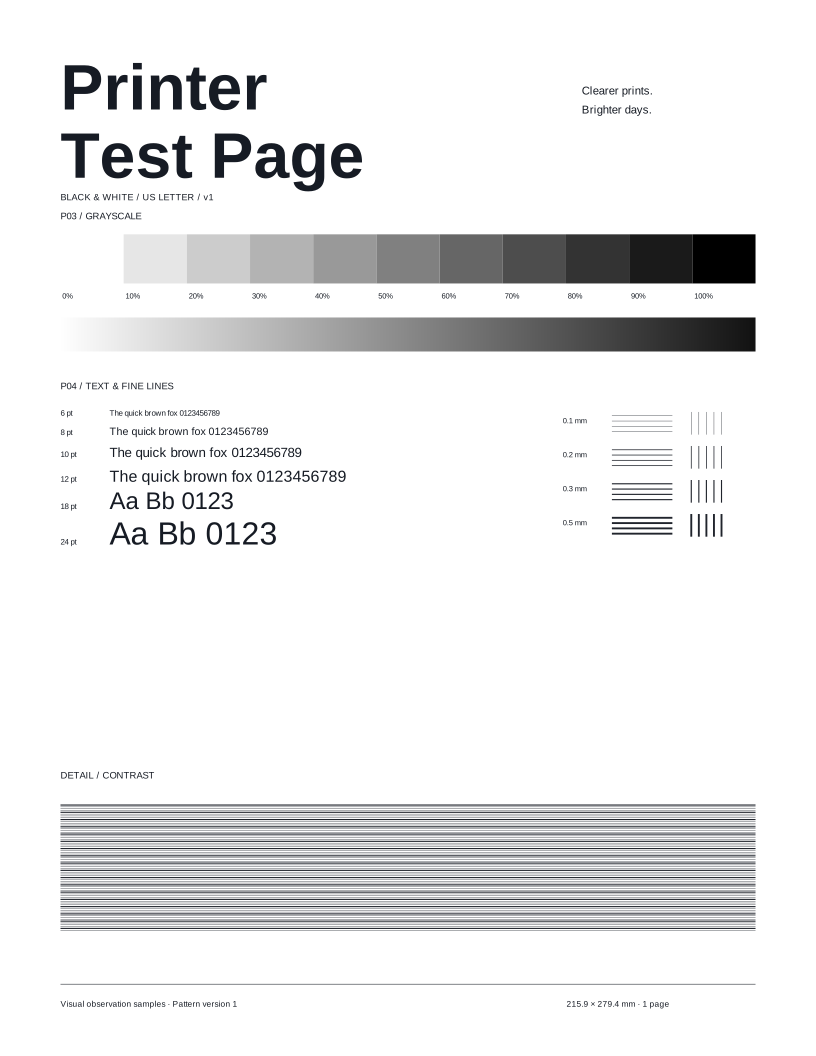
Read your usual text sizes, then follow the horizontal and vertical strokes. Compare the eleven gray steps and dense contrast pattern.
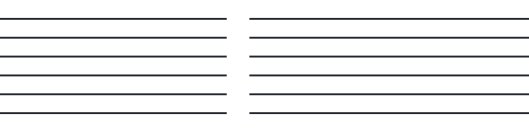
Letters lose thin strokes or appear smudged, even at everyday reading sizes.
Check Actual size, paper type, and output quality. Compare Text & Fine Lines next; this sheet cannot identify a damaged component.

Neighboring gray steps look alike or the dense contrast pattern loses separation.
Compare the selected document mode and paper settings, then try Grayscale. Neutral tones do not prove that only black ink was used.
Try these other tests for a more complete check.
Here are answers to common questions about the Black & white test page.
Print this test page and take a closer look at your output.
Test page not ready. Cancel printing, wait for the selected preview, and try again or download the matching PDF.