Text sizes

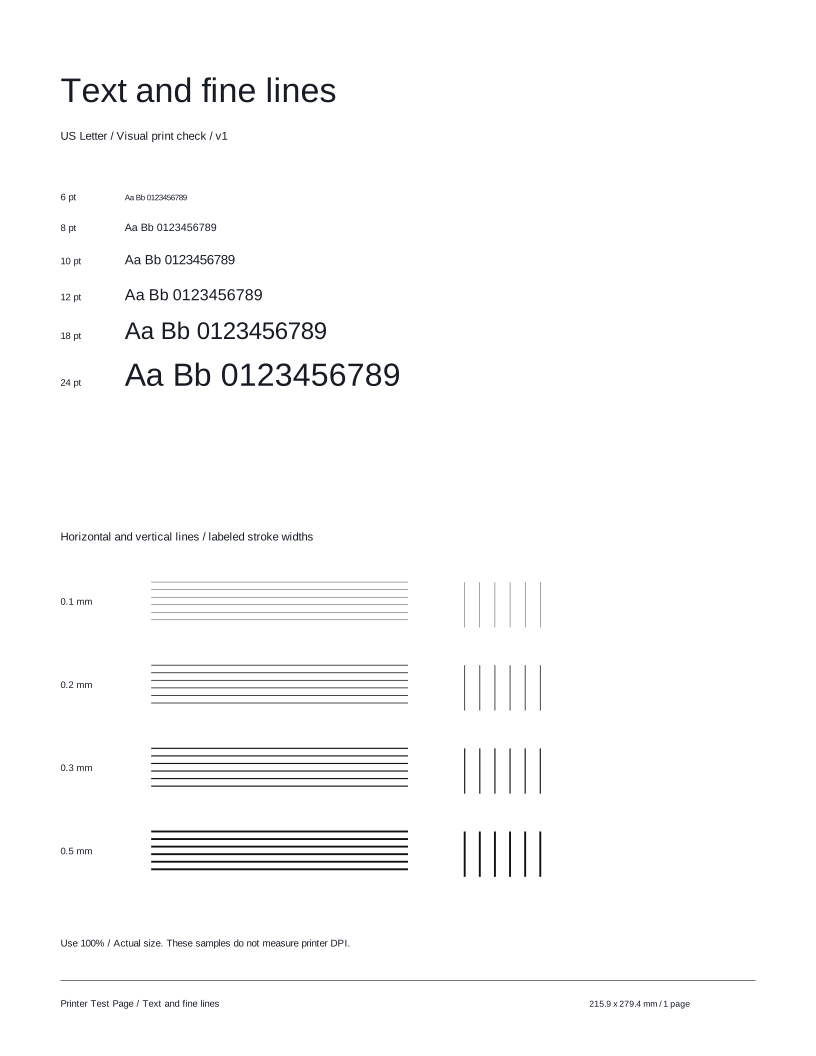
Read the samples from 6 to 24 points. Start with the sizes you normally print.
 Printer Test PageFree test pages for your printer.TEST PAGE
Check text from 6 to 24 points and horizontal and vertical lines at labeled widths. A quick, easy way to compare your printer’s output.
Preparing your test page…
Use this guide to check the key areas on the test page. Each element helps you inspect a different aspect of print quality.
Read the samples from 6 to 24 points. Start with the sizes you normally print.
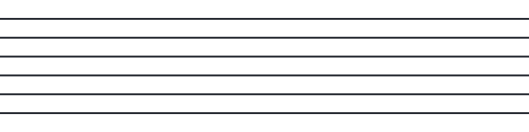
Follow each line for breaks and uneven edges. Use Actual size to preserve the labeled widths.
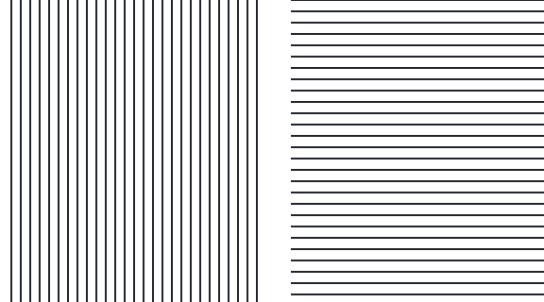
Compare the labeled line groups for breaks or merged strokes.
Inspect ordinary reading sizes first. Fine lines do not measure the printer’s rated DPI.
Compare these illustrative examples with your printout. Similar results can have different causes. It can reveal visible output issues, but this sheet cannot diagnose a component or replace your model’s maintenance procedures.
Text is readable and lines are continuous.
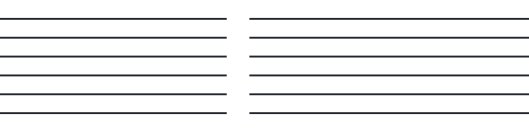
Gaps interrupt lines or small details are lost.
Check output scale, paper, and quality settings before running model-specific diagnostics.
Fine strokes lose definition or disappear.
Check the quality setting and paper type. Follow your printer model’s maintenance guide if the issue persists.
Try these other tests for a more complete check.
Here are answers to common questions about the Text & fine lines test page.
Print this test page and take a closer look at your output.
Test page not ready. Cancel printing, wait for the selected preview, and try again or download the matching PDF.