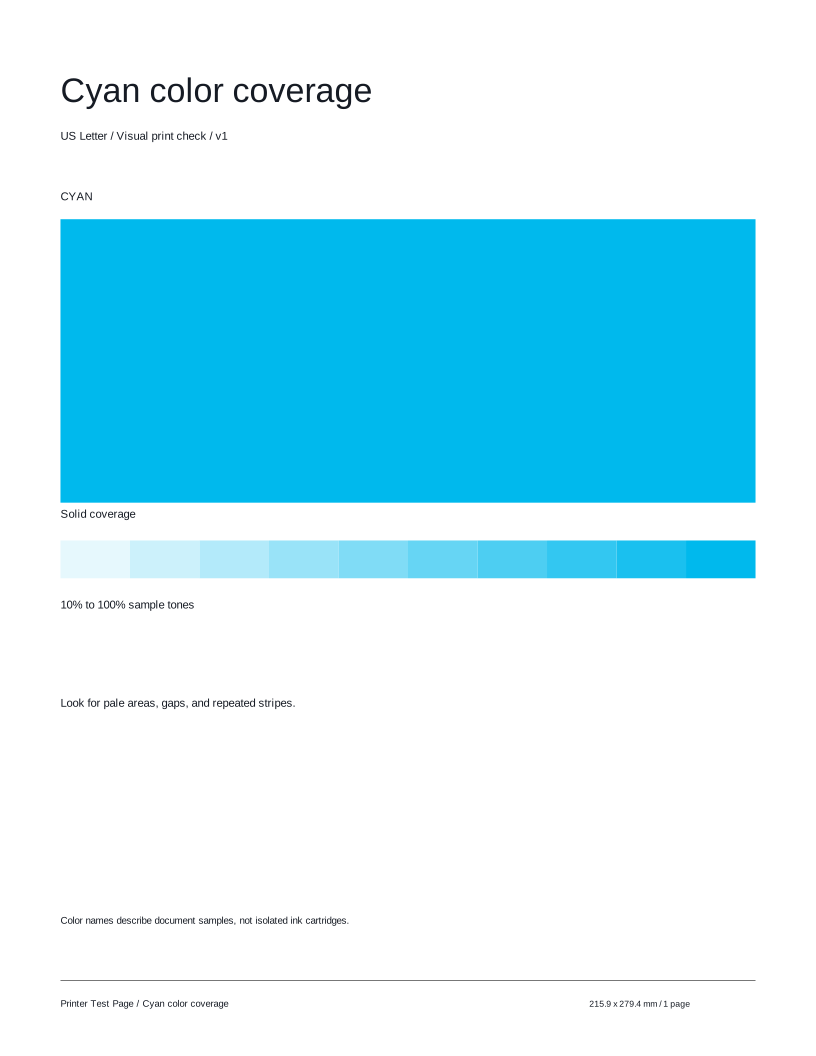
Solid block

Check coverage across the selected color’s large solid block.
 Printer Test PageFree test pages for your printer.TEST PAGE
Choose a color to inspect a large solid block and ten lighter-to-darker sample tones. A quick, easy way to compare your printer’s output.
Preparing your test page…
Use this guide to check the key areas on the test page. Each element helps you inspect a different aspect of print quality. Illustrations use sample colors; your actual sheet uses the color selected above.
Check coverage across the selected color’s large solid block.

Compare the ten lighter-to-darker samples for distinct, consistent changes.

Check the labels and block edges for clarity, gaps, or smudging.

Look for blank streaks or patchy areas within the block. A document color does not isolate a cartridge.
Compare these illustrative examples with your printout. Similar results can have different causes. It can reveal visible output issues, but this sheet cannot diagnose a component or replace your model’s maintenance procedures.
Inspect the selected color’s large block from edge to edge, then compare its ten tone steps. This illustration uses cyan.

Blank streaks or pale patches interrupt the selected sample.
Check paper type, color mode, and quality settings. A document sample can combine several inks; gaps do not isolate a cartridge.

Bands cross the block or appear in several of its tone steps.
Compare the same sample at the same settings, then try CMYK for four document-color rows. Use model-specific maintenance guidance for persistent issues.
Try these other tests for a more complete check.
Here are answers to common questions about the Single color test page.
Print this test page and take a closer look at your output.
Test page not ready. Cancel printing, wait for the selected preview, and try again or download the matching PDF.